


 Blog
Blog


Landing pages sell a feeling. A listing should survive a real click: open the product, try the core claim, and decide if a stranger should spend five more minutes with it.
This is not “best AI tools of 2026.” It is four products already in the directory, reviewed the way we want the journal to work going forward — specific tests, named features, honest ceilings. Platform ratings are ours (1–5). KnowChat and AI Tools Capital currently carry Featured placement on the site; that is Spotlight / staff placement, not a secret #1 ranking.
The week at a glance
1. KnowChat — support that shows instead of lectures
The AI chat agent that replies with real images
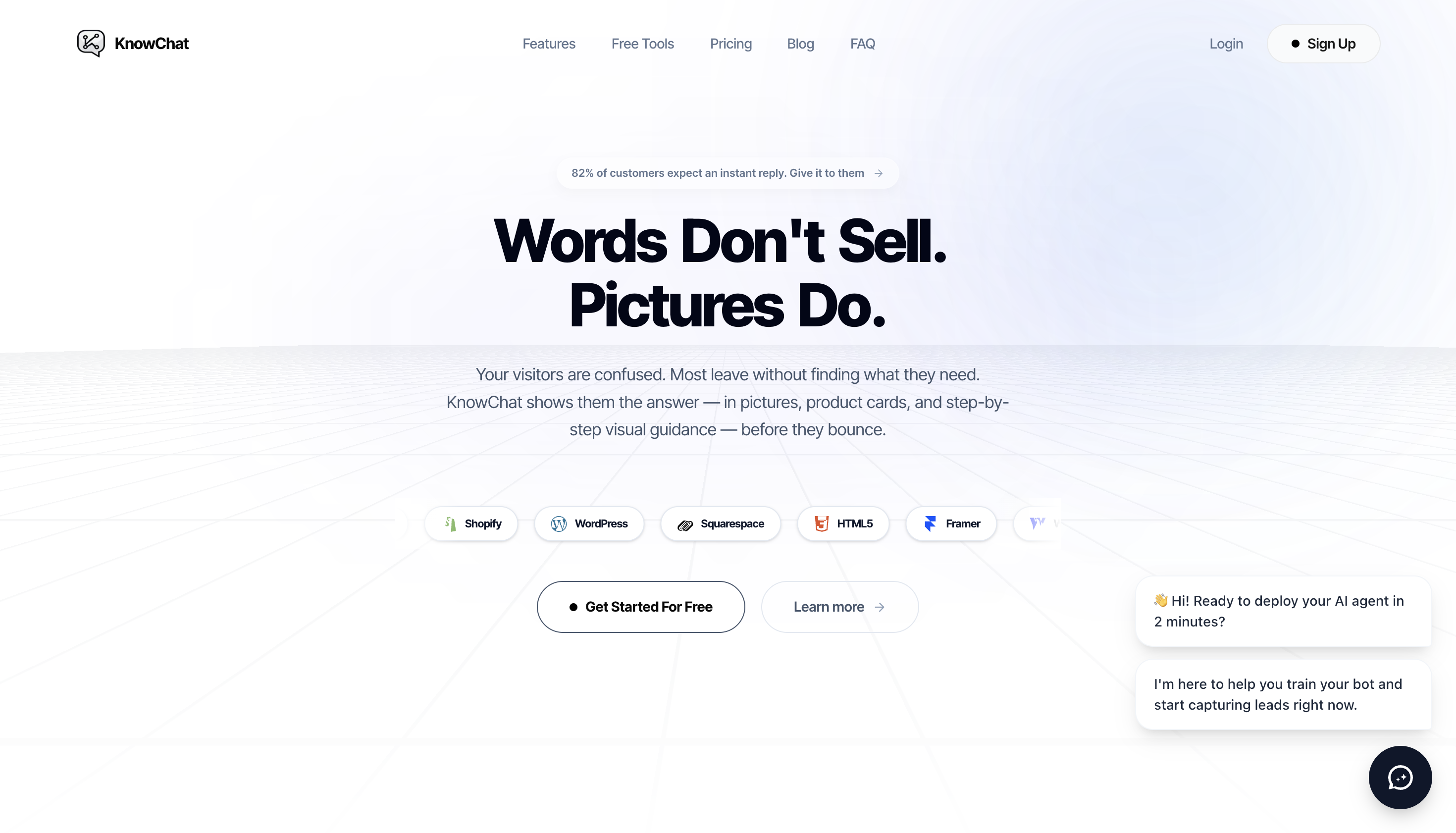
Most support bots talk at you. KnowChat’s claim is sharper: when a visitor asks how something works, the answer should include the picture, card, or step that finishes the ticket — not another paragraph.
What we looked for
We judged it on the core claim, not the feature matrix. Can a freemium chat agent actually reply with useful visuals, and is the free path usable enough that a founder can evaluate it without a sales call?
What you get
- Visual replies as the product, not a toggle: the site and listing push image-led answers for product guidance — closer to “show the SKU / screen” than “summarize the help center.”
- A freemium path you can enter: you can evaluate without treating the free plan as a dead demo that only unlocks after a card.
- A clear buyer: SaaS and ecommerce teams drowning in the same “how do I…?” tickets, where a screenshot beats a wall of text.
Why it scored 5/5
- The idea is differentiated — visual answers are not just “AI paint” on a generic widget.
- The free plan is positioned as actually usable for evaluation.
- The listing is honest about the job: reduce guesswork in support, not invent a new LLM.
Watch-out
A pretty bot on messy docs stays messy. You still need a clean knowledge base and product screenshots worth showing. KnowChat amplifies clarity; it does not create it.
Usually compared to: text-only chat widgets that dump paragraphs when a picture would end the conversation.
2. Korvai — prompts and skills that travel with you
Your context, prompts, and skills in every AI chat
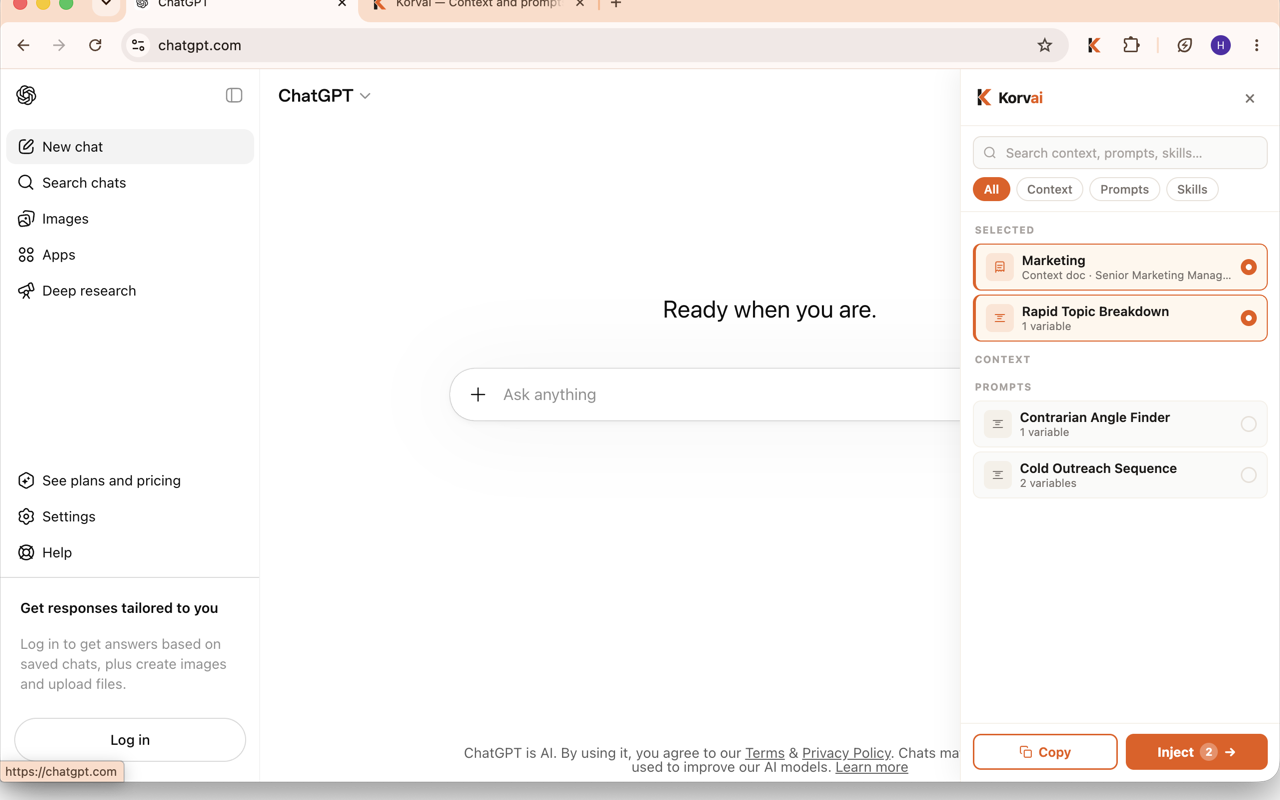
The failure mode Korvai attacks is boring and expensive: you save good prompts in Notion or Docs, then re-paste them into every new Claude / ChatGPT tab until the ritual breaks. Korvai is a private library plus a Chrome extension that injects that library beside the chat.
What we tried
Onboarding was smooth. We signed in, created a skill, and opened a browser Claude interface. The extension already showed a small panel for injecting skills, prompts, and context — the “aha” is that the paste work disappears and the panel sits next to the agent instead of living in another tab.
What you get
- Library + injection: store docs, prompts, and skills, then push them into AI tools in one click from the extension.
- Extension UI that stays with the chat: search, filters (context / prompts / skills), and selected items stay visible while you work.
- Workflow standardization: useful when a team wants the same system prompts and skills instead of private screenshot folklore.
Why it scored 4/5
- UI and onboarding feel finished, not prototype-thin.
- Injection is a real workflow win, not a landing-page metaphor.
- It is clearly a layer on top of models you already use — and it says so.
Watch-out
Strength tracks where the extension can reach. Treat Korvai as a workflow layer, not a model. If your AI work never happens in the browser surfaces it supports, the value drops fast.
Usually compared to: Notion / Docs prompt graveyards and copy-paste rituals that reset every new chat.
3. Flagrant AI — cameras that notice without a gatehouse team
Intelligence from every lens

Most “AI vision” listings are demos. Flagrant AI sells a narrower job: plug computer vision into cameras and drones for people already running cities, sites, and infrastructure — fly tipping, graffiti, abandoned vehicles, site safety, portfolio-wide monitoring without staffing a full review room.
What stands out
- Domain specificity: the copy targets councils, site operators, and portfolio owners — not “anyone with a webcam.”
- Uses glass you already bought: the pitch is smarter eyes on existing camera estates, not a new hardware SKU.
- Serious category energy: clean site, concrete incident types, less “wrapper SaaS” theater.
Why it scored 4/5
- Clear proposition you can explain in one sentence.
- Buyer and use cases are named, which is rarer than it should be.
- It does not pretend to be a weekend indie experiment.
Watch-out
Sales cycles, camera access, and procurement matter as much as the model. This is not a self-serve toy for makers who want a Stripe subscription by Friday.
Usually compared to: human-only CCTV review and “we’ll catch it next week” incident loops.
Flagrant AI on indieSpotlight →
4. AI Tools Capital — discovery as a weekly contest
The live leaderboard for AI tools
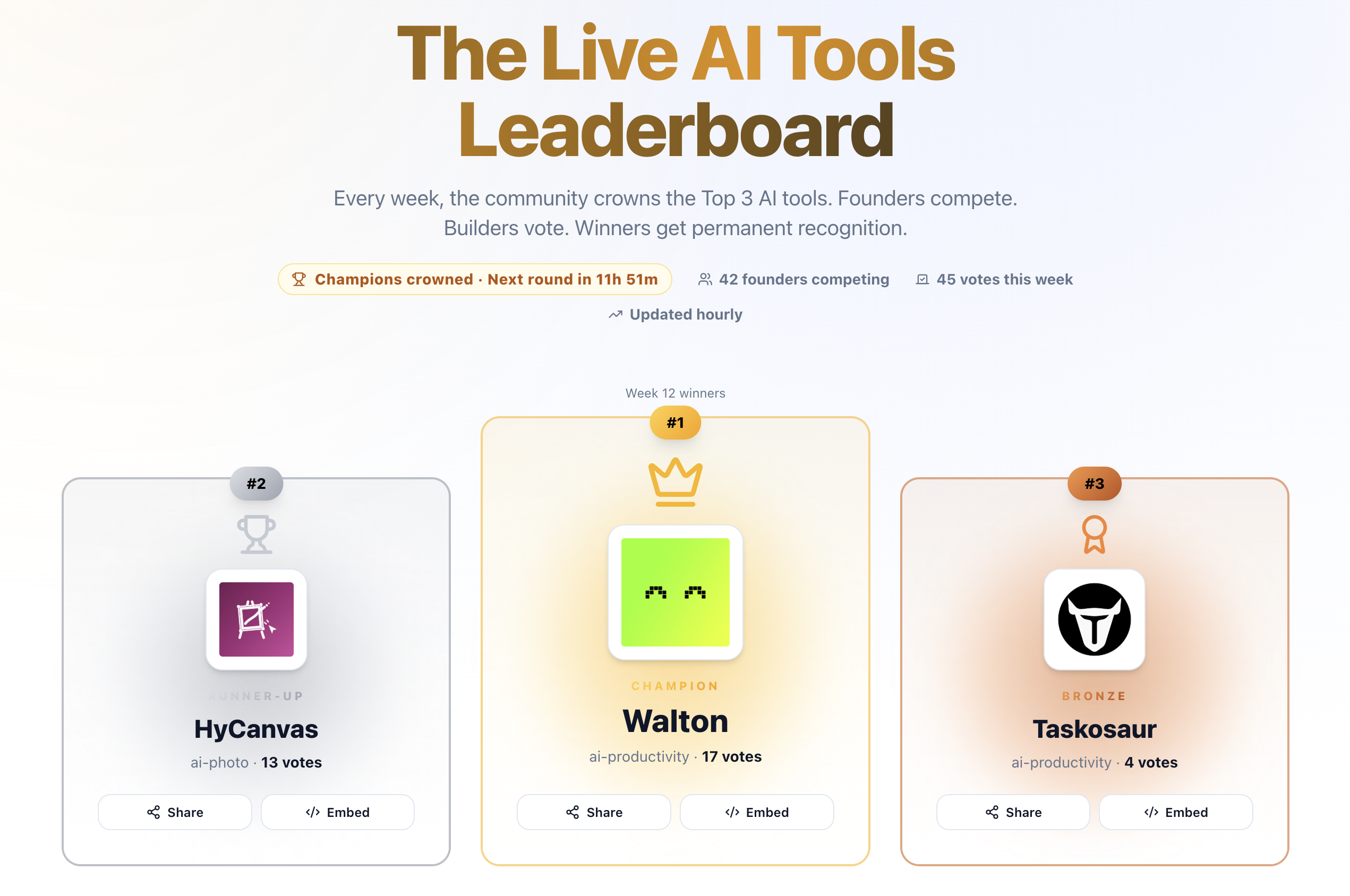
One-day launches spike and die. AI Tools Capital turns discovery into a recurring contest: submit, compete, and stay in a leaderboard loop instead of hoping a single launch day compounds forever.
What we used it for
We have listed AI apps there before. The product is the habit — rankings, re-enlist prompts, updates — more than any single static “AI directory dump” page.
What you get
- Live leaderboard mechanics: ongoing visibility with a reason to return.
- Founder-facing distribution: built for AI makers who need more than a Product Hunt day.
- Free entry to the game: the competition layer is the offer; you are not buying a PDF of tool links.
Why it scored 4/5
- The mechanic is the product, and we have used it for real listings.
- It solves a distribution problem other directories ignore after day one.
- Room to grow the interface craft without discarding the idea.
Watch-out
The UI could be more distinctive. If you only want a static catalog, this will feel noisy; the value is the contest and the habit of showing up again.
Usually compared to: one-shot launch directories and static AI tool dumps with no reason to come back.
AI Tools Capital on indieSpotlight →
How to choose
- Support that converts with visuals → KnowChat
- Same prompts everywhere you chat with AI → Korvai
- Physical-world monitoring with existing cameras → Flagrant AI
- Keep an AI product in a weekly fight for attention → AI Tools Capital
None of these replace each other. That is the point of a first week: four different jobs, four early bets, and reviews that say what we actually saw.
Browse more
Explore the live directory on indieSpotlight, filter AI Tools, or submit yours if you have built something that survives the same test.